
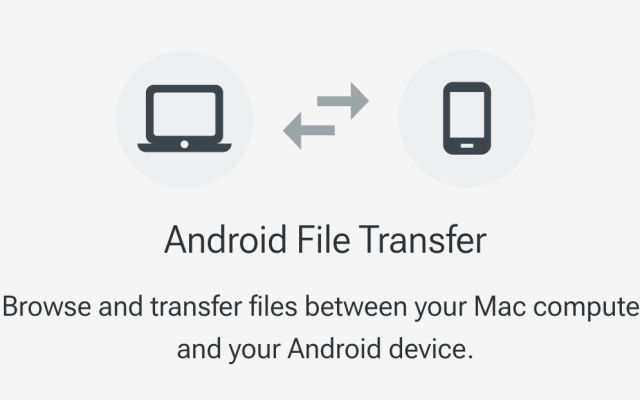
Transferring files between an Android device and a Mac has always been a bit tricky, especially with the advent of Apple Silicon Macs. The official Android File Transfer app, once the go-to solution, has been discontinued and is no longer available for download . This has left many users searching for reliable alternatives. Fortunately, there are several options available to facilitate smooth file transfers. Google Support
Solution 1: Cloud Storage Services
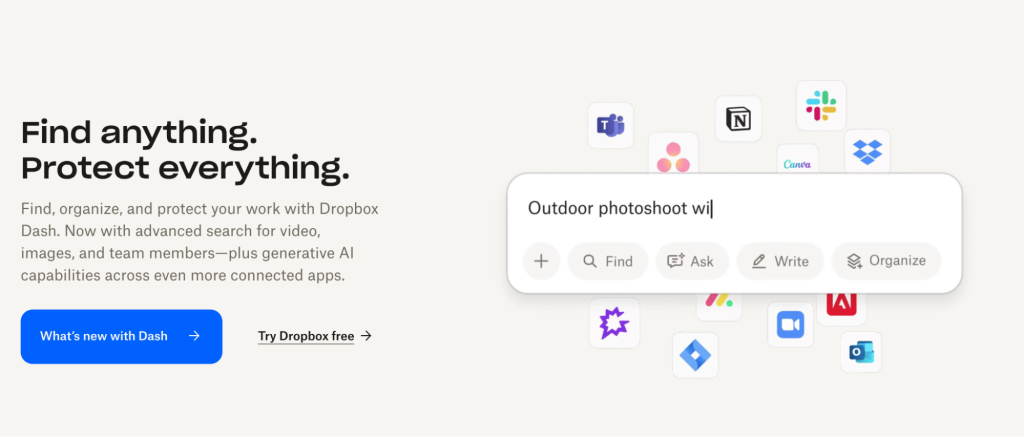
Utilizing cloud storage services like Google Drive or Dropbox is another method to transfer files between Android devices and Macs. By uploading files from the Android device to the cloud, they can be accessed and downloaded onto the Mac.
Advantages:
- No Physical Connection Needed: Transfers can be done remotely.
- Access from Multiple Devices: Files can be accessed from any device with internet connectivity.
Disadvantages:
- Dependent on Internet Speed: Transfer speeds are reliant on the internet connection.
- Storage Limitations: Free accounts often come with limited storage capacity.
Solution 2: MacDroid – The Most Reliable Option
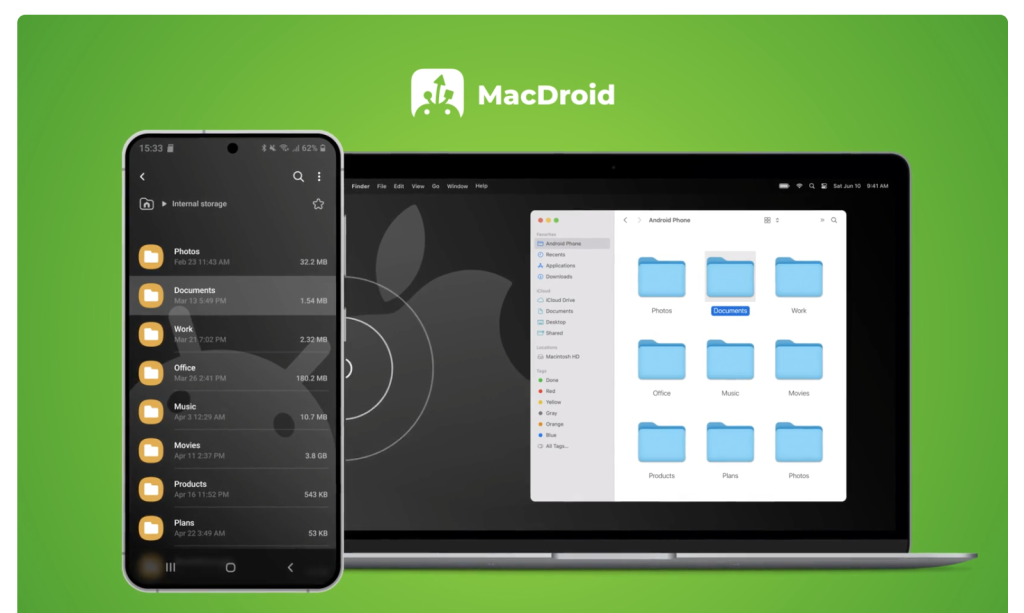
MacDroid stands out as a top choice for transferring files between Android devices and Macs, particularly those with Apple Silicon chips. It offers a seamless experience by allowing users to mount their Android device directly in Finder, making file management intuitive and straightforward.
Key Features:
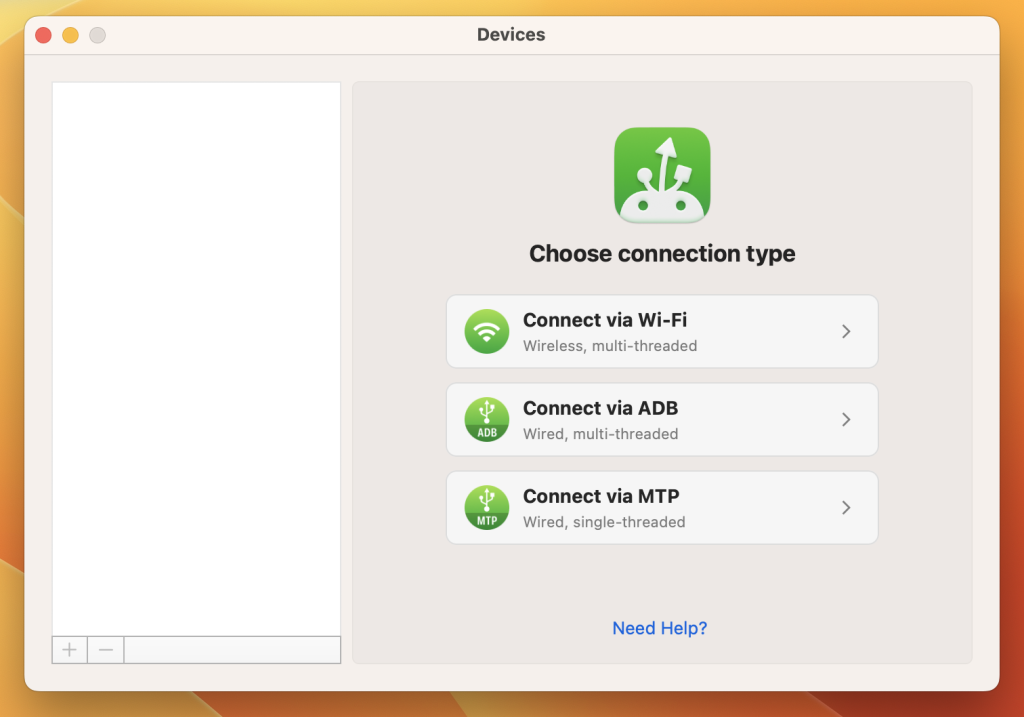
- USB and Wi-Fi Connectivity: Supports both wired and wireless connections, providing flexibility based on user preference.
- Full Access to Device Storage: Allows browsing and transferring files from both internal storage and SD cards.
- Direct Editing: Users can open and edit Android files directly on their Mac without the need to copy them over first.
- No Additional Apps Required on Android: MacDroid operates without the need for any companion app on the Android device.
While MacDroid offers a free trial, continued use requires a subscription. However, its stability and ease of use make it a worthwhile investment for many users.
You can download the app from the official website or from the Mac App Store.
Solution 3: AirDroid – Wireless Convenience
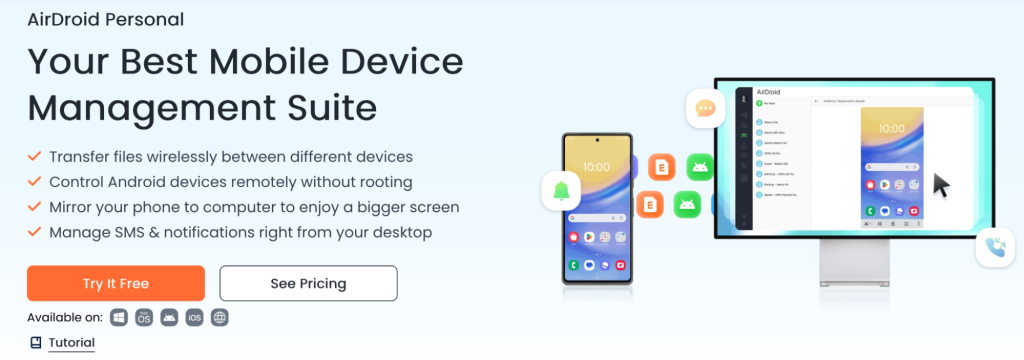
AirDroid is a popular choice for those who prefer wireless file transfers. It allows users to manage their Android device from a Mac over a Wi-Fi connection, facilitating the transfer of files, photos, and even screen mirroring.
Pros
- Wireless Operation: Eliminates the need for USB cables.
- Cross-Platform Support: Compatible with various operating systems, enhancing versatility.
- Additional Features: Offers functionalities like SMS management and screen mirroring.
Cons
- Requires Internet Connection: Both devices need to be connected to the same network.
- Potential for Slower Transfers: Large files may transfer more slowly compared to wired methods.
Solution 4: OpenMTP – Free and Open-Source
For users seeking a free alternative, OpenMTP is an open-source application that facilitates file transfers between Android devices and Macs. It offers a straightforward interface and supports large file transfers.
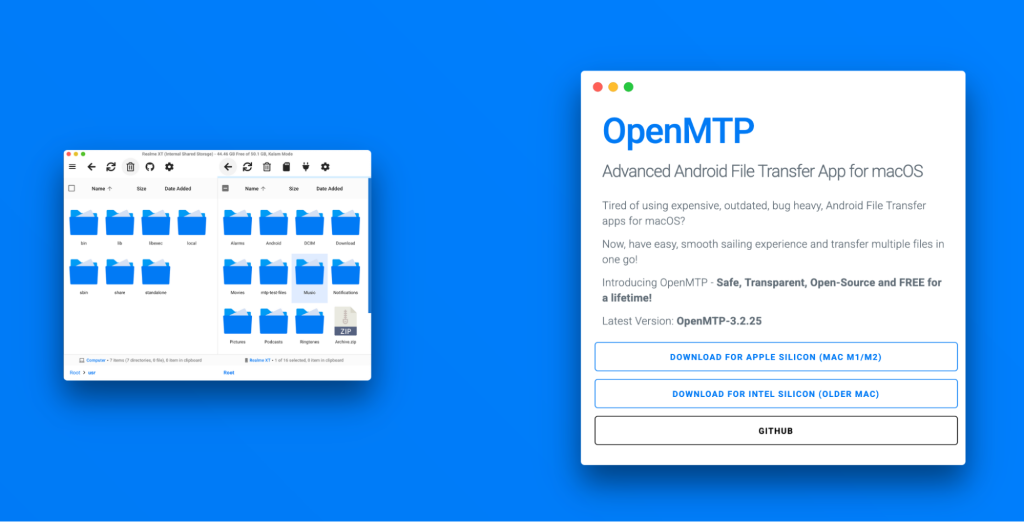
Features:
- Drag-and-Drop Interface: Simplifies the process of moving files between devices.
- Supports Large Files: Capable of handling file sizes greater than 4GB.
- No Installation on Android Required: Operates solely on the Mac.
While OpenMTP is a solid option, some users have reported occasional glitches. However, its open-source nature and cost-free availability make it an appealing choice for many.
Conclusion
With the discontinuation of Android File Transfer, users of Apple Silicon Macs have several viable alternatives for transferring files from Android devices. MacDroid stands out as a particularly reliable and user-friendly option, especially for those who prefer a seamless integration with Finder. For those who favor wireless solutions, AirDroid offers a convenient alternative. OpenMTP provides a free, open-source option for users comfortable with a more hands-on approach. Lastly, cloud storage services offer a flexible, though potentially slower, method for file transfers. Ultimately, the best solution depends on individual preferences and specific needs.
According to user feedback on Reddit, MacDroid has proven to be a reliable solution: