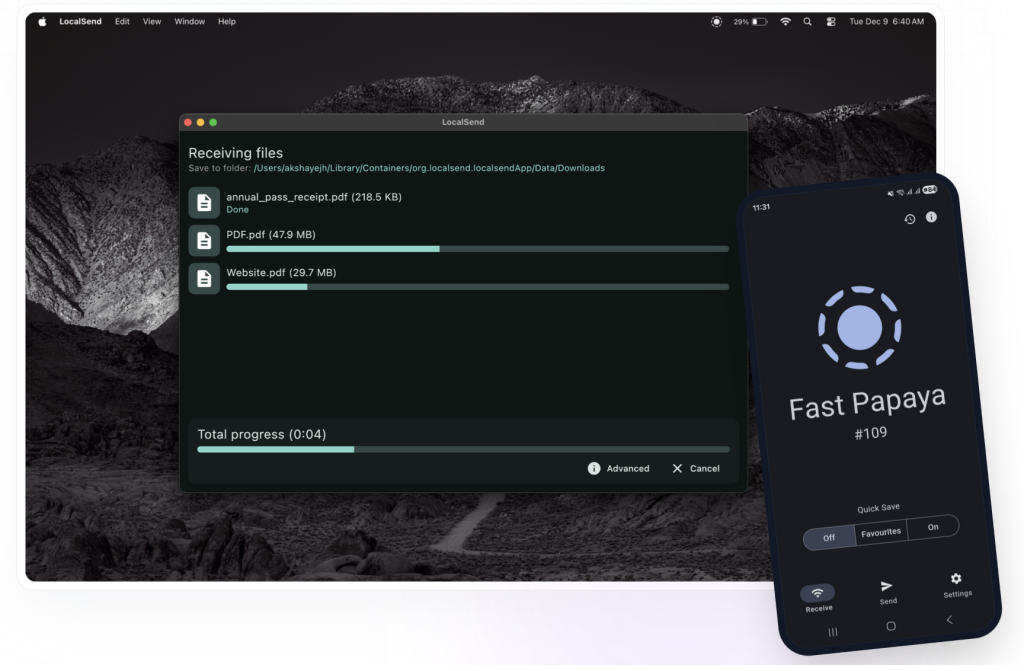
Moving files between devices should be simple. In reality, it often turns into a strange mix of cloud uploads, email attachments, USB cables, AirDrop limitations, and messaging apps that compress your files. That is why LocalSend has become popular: it gives users a free, open-source way to send files between nearby devices over the same local network.
In this LocalSend review, we’ll look at what the app does well, where it can be frustrating, what users say on Reddit, and when a wired alternative like MacDroid may be a better choice for Android-to-Mac transfers.
LocalSend is available for Windows, macOS, Linux, Android, and iOS, and its official positioning is simple: secure, cross-platform file sharing over a local network without needing an internet connection.
What Is LocalSend?
LocalSend is a free, open-source file transfer app that lets nearby devices discover each other and exchange files over Wi-Fi or LAN. Unlike cloud services, it does not require you to upload files to a third-party server first. Unlike AirDrop, it is not limited to Apple devices.
You can use LocalSend to transfer files between:
- Windows and Android
- Mac and Android
- iPhone and Windows
- Linux and macOS
- iPad and Android
- Multiple devices on the same Wi-Fi network
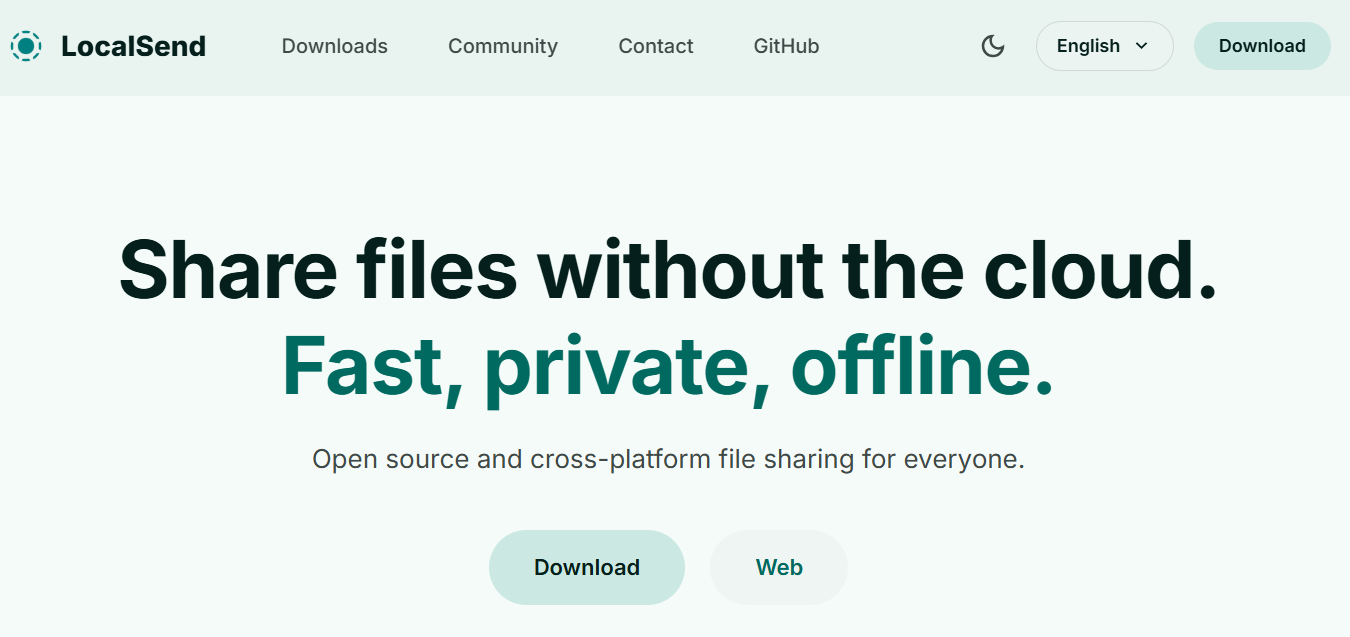
The biggest appeal is obvious: LocalSend is cross-platform, free, and relatively simple. The official website describes it as a tool for secure, fast file sharing across a local network, with support for Windows, macOS, Linux, Android, and iOS.
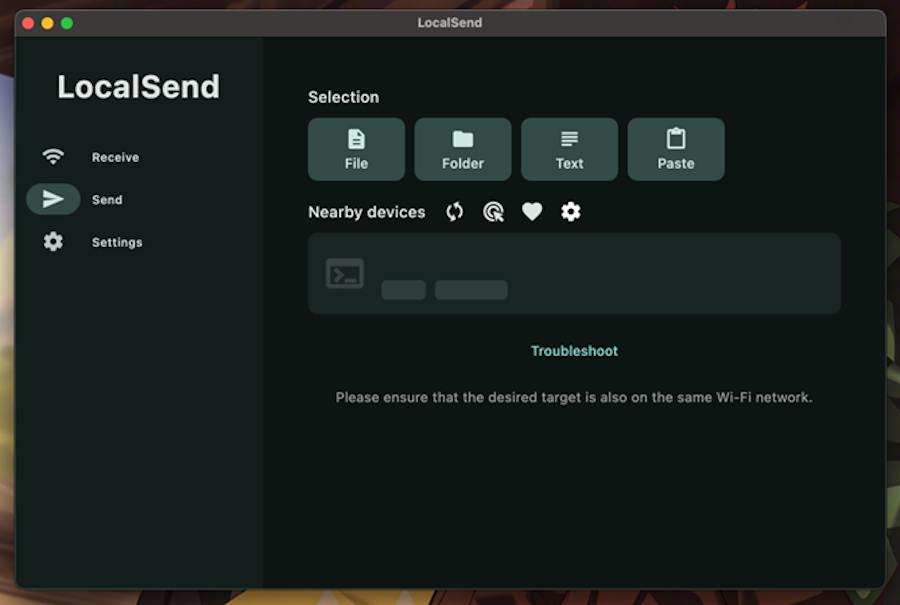
How LocalSend Works
The basic workflow is straightforward:
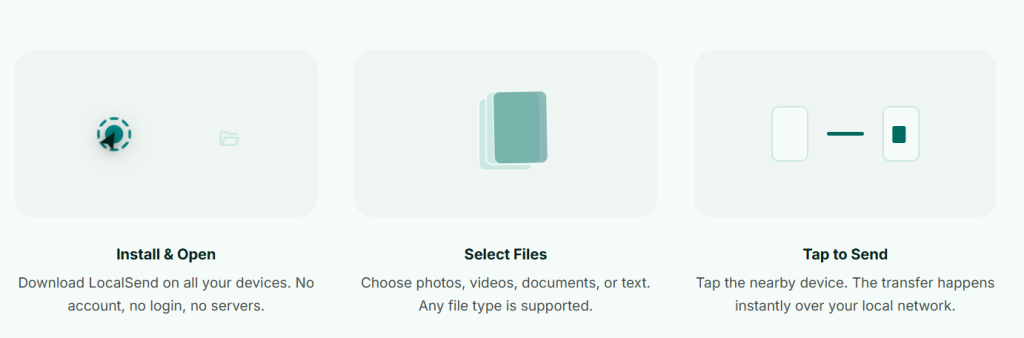
- Install LocalSend on both devices.
2. Connect both devices to the same Wi-Fi network.
3. Open the app on both devices.
4. Select the receiving device.
5. Choose files and send them.
6. Accept the transfer on the receiving device.
There is no account creation, no subscription, and no cloud storage step. For many users, that alone makes LocalSend more convenient than Google Drive, email, Telegram, or browser-based transfer tools.
LocalSend Review: Main Pros and Cons
LocalSend is one of the most practical wireless transfer tools available right now, but it is not perfect. Its quality depends heavily on your local network, device permissions, firewall settings, and operating system behavior.
What LocalSend Does Well
The strongest advantage is cross-platform compatibility. AirDrop works well inside the Apple ecosystem, but it does not help much when you need to send files from Android to Mac or from Windows to iPhone. LocalSend fills that gap.
Another major benefit is privacy. Because files are transferred over the local network, you are not uploading personal photos, videos, PDFs, or work files to a cloud server. The Google Play listing also highlights offline operation, no ads, no tracking, and TLS encryption.
Common LocalSend Errors and Limitations Users Report
LocalSend is also useful for quick, one-time transfers. For example, if you need to send a few photos from an Android phone to a MacBook, or move a PDF from a Windows laptop to an iPhone, the process is usually faster than setting up cloud sync.
Key advantages:
- Free and open source
- Works across major platforms
- No account required
- No cloud upload required
- Useful for photos, videos, documents, and folders
- Good AirDrop-style option for mixed-device households
- Available on desktop and mobile platforms
Where LocalSend Can Be Frustrating
The main issue is that LocalSend depends on network discovery. If the devices cannot see each other, the transfer cannot start smoothly. This can happen because of firewall settings, VPNs, router isolation, public Wi-Fi restrictions, mobile hotspot quirks, or local network permissions on iOS/macOS.
Speed can also vary. Some users report fast transfers, while others experience slow speeds depending on the router, device hardware, Wi-Fi band, and file size. A Reddit user in r/opensource described LocalSend as “fantastic” but reported transfer speeds around 500–800 kB/s when moving 6 GB of photos and videos from Windows to Android. That thread is over 2 years old, but it still reflects a common wireless-transfer problem: speed is not determined by the app alone.
Potential downsides:
- Devices may fail to appear
- Transfers can be slow on weak Wi-Fi
- Large files may take longer than expected
- Background transfers can be unreliable on mobile devices
- Public or restricted networks may block discovery
- Troubleshooting may require firewall or router changes
What Reddit Users Say About LocalSend
Reddit feedback on LocalSend is generally positive, but not blindly positive. Users often praise the concept and simplicity, while also pointing out reliability issues in real-world use.
One common type of praise is that LocalSend feels like an AirDrop alternative for people who use different operating systems. This is especially relevant for Android + Mac, Windows + iPhone, or Linux + Android users.
However, neutral and negative comments usually focus on three areas: speed, discovery, and transfer stability.
Common LocalSend Errors Mentioned by Users
Some of the recurring issues include:
LocalSend not finding device
This usually happens when devices are not on the same network, local network permissions are blocked, VPN is active, firewall rules interfere, or the router isolates devices.
LocalSend transfer speed is slow
A Reddit thread about slow LocalSend speed mentions speeds around 500–800 kB/s during a large Windows-to-Android transfer. The issue may be related to Wi-Fi conditions, the sending/receiving device, or network configuration rather than LocalSend alone.
LocalSend not working in the background
In another Reddit discussion, a user said LocalSend had become “slow/buggy” and noted that it did not share in the background in their use case. This matters for large video transfers, especially on mobile devices where background activity is restricted by the operating system.
Timeout or file selection issues
The r/localsend page includes a user report about a short timeout when selecting files, forcing the user to start again. This is not necessarily universal, but it shows that workflow friction can appear in specific environments.
Is LocalSend Safe?
For most everyday file transfers, LocalSend is a safe and reasonable choice. It is open source, does not require an account, and avoids cloud storage. That gives it a strong trust advantage over many random browser-based file-sharing tools.
The app’s Google Play listing states that it supports fully offline operation over local Wi-Fi/LAN, uses TLS encryption, has no ads, and does not collect tracking data.
That said, “safe” does not mean “immune to every risk.” You should still use LocalSend on trusted networks, avoid accepting files from unknown devices, and keep the app updated. On shared school, hotel, airport, or office networks, device discovery may be blocked or less predictable.
Best practices:
- Use LocalSend on a trusted private Wi-Fi network.
- Check the receiving device name before accepting files.
- Avoid public networks for sensitive files.
- Update the app when new versions are available.
- Disable VPN temporarily if devices cannot find each other.
LocalSend vs Third-Party Apps: USB File Transfer Apps
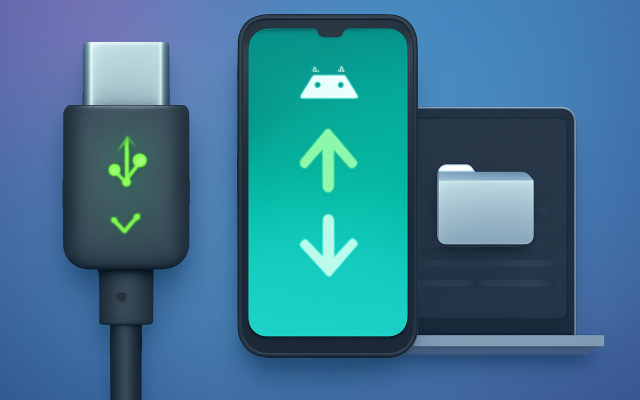
LocalSend is convenient, but wireless file transfer is not always the best method. If you regularly transfer large videos, photo libraries, music folders, or work files between Android and Mac, a USB cable can be more stable.
This is where third-party file transfer apps and USB-based solutions can become a more practical alternative. Instead of depending on Wi-Fi speed, router settings, device discovery, or local network permissions, these tools are usually designed for more direct and stable file management between devices.
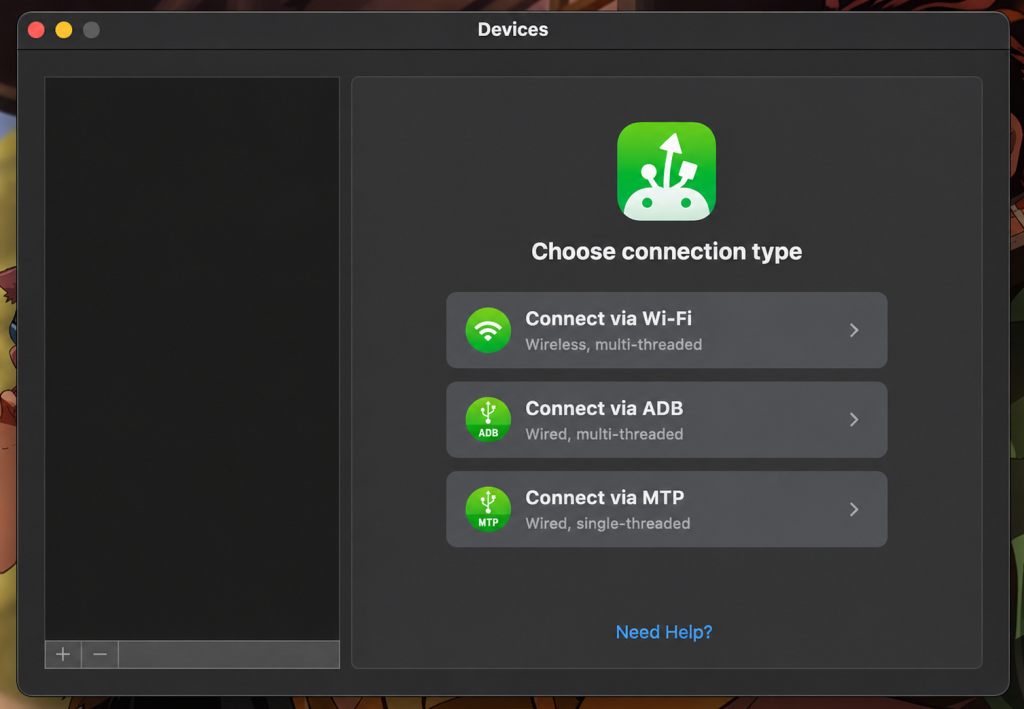
For example, MacDroid lets you connect an Android phone to a Mac via USB and access files directly. This makes it a useful option when LocalSend feels too slow, cannot find the receiving device, or becomes inconvenient for large folders, videos, and frequent Android-to-Mac transfers. For users who often search for “LocalSend not working,” “LocalSend file size limit,” or “LocalSend not finding device,” a wired workflow can remove several common variables.
You can mention it naturally in an article like this:
For users who mainly need to transfer files between Android and Mac, MacDroid is worth considering. It uses a USB connection, so you do not have to depend on Wi-Fi stability, router settings, or network discovery. This can be especially useful when moving large folders, videos, or files you cannot afford to restart midway.
Final Verdict: Is LocalSend Worth It?
Yes, LocalSend is worth trying. It is one of the best free tools for cross-platform local file sharing, especially if you use a mix of Android, iPhone, Windows, Mac, and Linux devices. It is simple, private, and does not force you into a subscription or cloud account.
However, the honest review is this: LocalSend is only as reliable as your local network. If your Wi-Fi is unstable, your devices cannot discover each other, or your mobile OS interrupts background transfers, the experience can become frustrating.
For occasional wireless transfers, LocalSend is a strong recommendation. For regular Android-to-Mac file management, especially with larger files, a USB-based tool like MacDroid may be the more stable option.
FAQ
Yes. LocalSend is free and open source. It is available for major desktop and mobile platforms, including Windows, macOS, Linux, Android, and iOS.
LocalSend is better for cross-platform transfers because it works outside the Apple ecosystem. AirDrop is usually more seamless between Apple devices, but it does not help much with Android, Windows, or Linux.
If you need to transfer files between Android and Mac, a practical alternative to LocalSend is a USB connection. Unlike wireless transfer, it does not depend on Wi-Fi speed, router settings, or local network discovery.