Transferring files between devices should not require a mess of cables, email attachments, cloud uploads, or complicated setup. That is why browser-based file transfer tools like LocalSend Web and PairDrop are useful: you open a page on two devices, connect them, and send files directly.
But while they look similar at first, they are not exactly the same. LocalSend’s browser version is best understood as a web companion to the LocalSend ecosystem, while PairDrop is built around the browser-first experience from the start. Both can be convenient, both are open-source, and both can save time when you need to move files quickly between a phone, tablet, or computer.
The honest answer is this: PairDrop is usually more convenient for quick browser-to-browser transfers, while LocalSend Web makes more sense if you already use LocalSend or want a simple local-network transfer option without installing the desktop/mobile app. However, for large or important Android-to-Mac transfers, USB transfer is still the most reliable method.
What Is LocalSend Web?
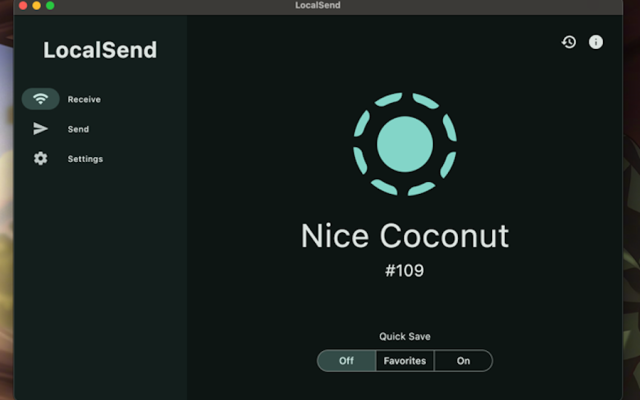
LocalSend is best known as a free, open-source, cross-platform file transfer app. It works on Windows, macOS, Linux, Android, and iOS, and its main installed version is designed for local-network transfers without cloud storage.
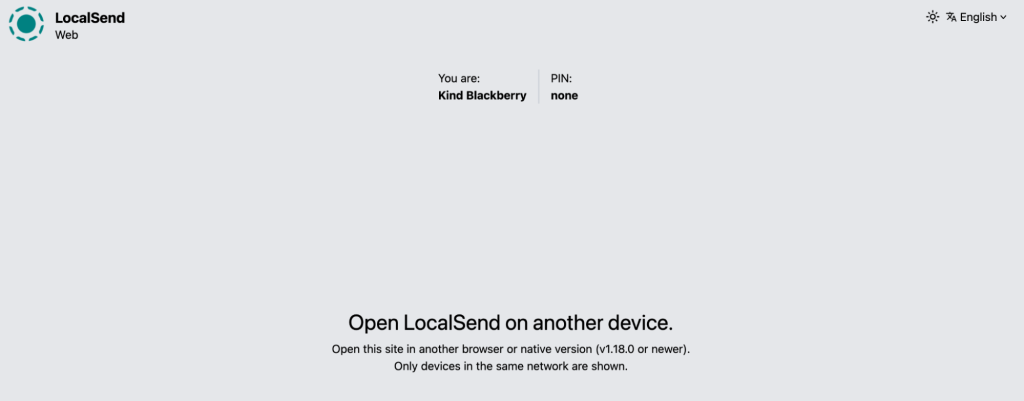
However, for this comparison, the more relevant option is LocalSend Web – the browser version. Instead of installing the full app, users can open LocalSend in a browser and use it for quick file sharing. This makes LocalSend more accessible for people who do not want to install another utility or who only need to transfer a file occasionally.
How LocalSend Web Feels in Real Use
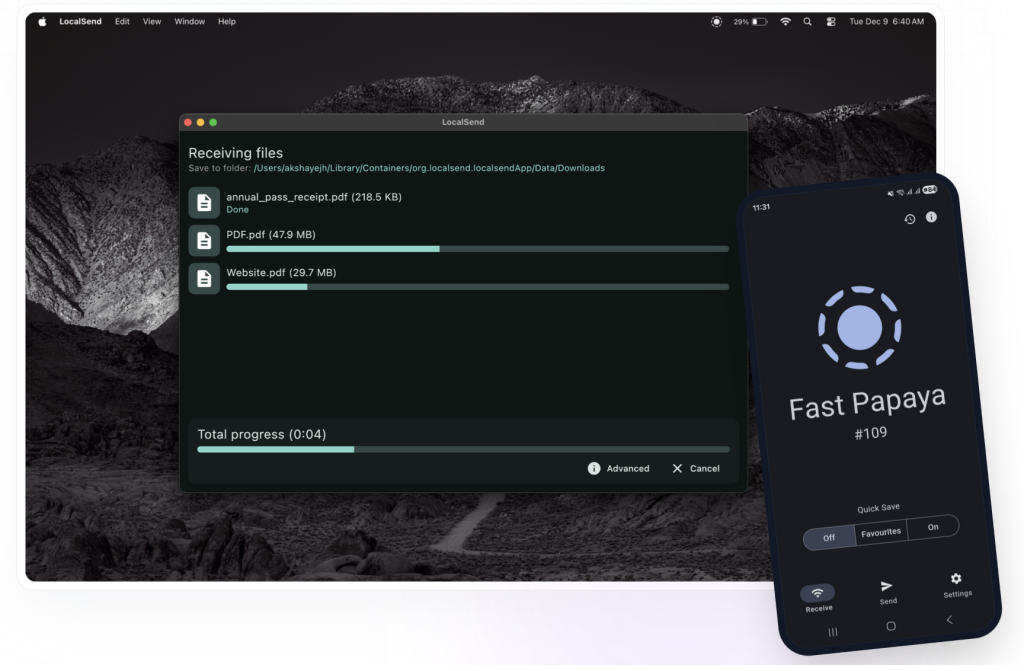
LocalSend Web is useful when you want a lightweight way to send files between nearby devices without relying on email, messengers, or cloud drives. For example, if you are moving a few screenshots from an Android phone to a Mac, or sending a document from a laptop to a tablet, the browser version can be faster than uploading everything to Google Drive first.
The main benefit is simplicity. You do not need a user account, and you do not need to explain a complicated setup process. Open the browser version, connect the devices, select the file, and transfer.
That said, because it runs in the browser, it still depends on browser behavior, local network conditions, permissions, and device visibility. This is important because many users expect browser tools to work like native apps. They usually do not. A browser tab can refresh, sleep, lose focus, or behave differently depending on the device and operating system.
LocalSend Web Pros
LocalSend Web is a good option if you want:
- A no-install file transfer method.
- A simple local-network sharing tool.
- An open-source solution.
- A quick way to move files without cloud storage.
- A browser-based alternative to the installed LocalSend app.
- A tool that fits into the broader LocalSend ecosystem.
The biggest advantage is that it gives users a lower-friction way to try LocalSend. You do not have to install the app first, which is useful when you are testing the tool or working on a device where installation is inconvenient.
LocalSend Web Cons
The main limitation is that LocalSend Web is not as robust as using a dedicated file transfer app or a direct USB connection. Browser-based transfers can be affected by:
- Network discovery issues.Firewall or router restrictions.
- Browser permission problems.
- Phone screen-lock behavior.
- Tab refreshes or browser sleep.
- Large file handling limitations.
So, while LocalSend Web is convenient, it should not be treated as the strongest option for large folders, long video files, or business-critical transfers.
What Is PairDrop?
PairDrop is also a free, open-source file transfer tool, but unlike LocalSend, it is designed primarily around the browser experience. It works similarly to Apple’s AirDrop in concept: open the site on two devices, wait for them to detect each other, and send files, text, or images.
PairDrop is especially useful because it does not require installation. This makes it a strong choice when you are using a temporary computer, sending files to someone else’s device, or working in an environment where installing apps is not allowed.
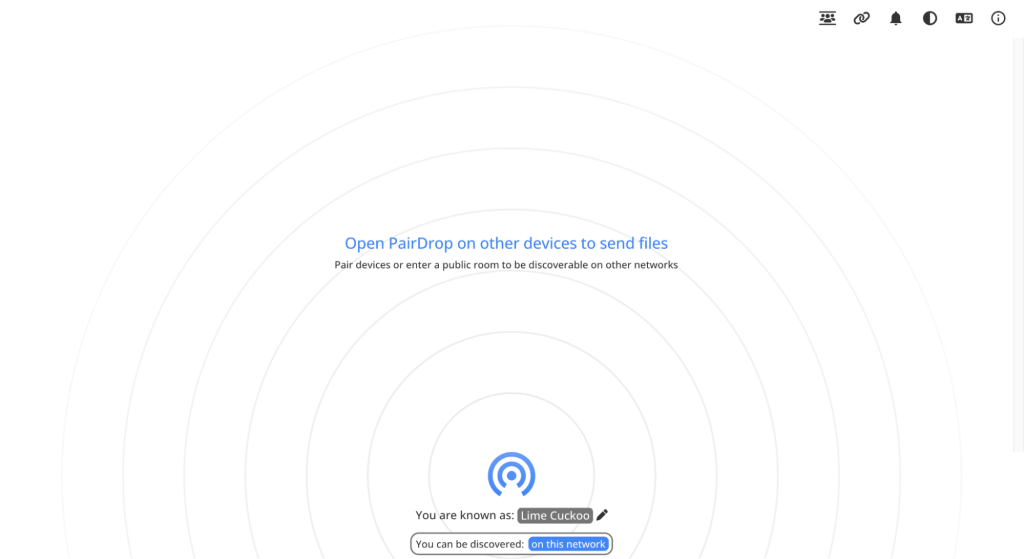
Why PairDrop Is So Convenient
PairDrop’s biggest advantage is speed of access. You do not need to download anything. You do not need to create an account. You do not need to configure a desktop client.
In everyday use, PairDrop is a good fit for:
- Sending a PDF from phone to laptop.
- Moving a photo to another device nearby.
- Sharing a text snippet or link.
- Transferring small files between devices with different operating systems.
- Sending something quickly on a device where you cannot install software.
For one-off transfers, PairDrop often feels more immediate than LocalSend because it is browser-first by design.
PairDrop Pros
PairDrop is a strong option if you need:
- No installation
- Fast browser-to-browser transfer.
- Support for many modern devices.
- A simple interface.
- Local sharing between nearby devices.
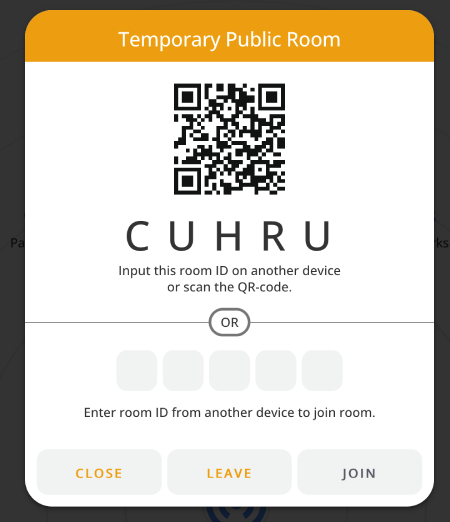
- Temporary public rooms for remote sharing.
- An AirDrop-like experience outside the Apple ecosystem.
Its public-room feature also gives it flexibility that pure local-transfer tools do not always offer. If two devices are not on the same network, PairDrop can still be useful in some situations.
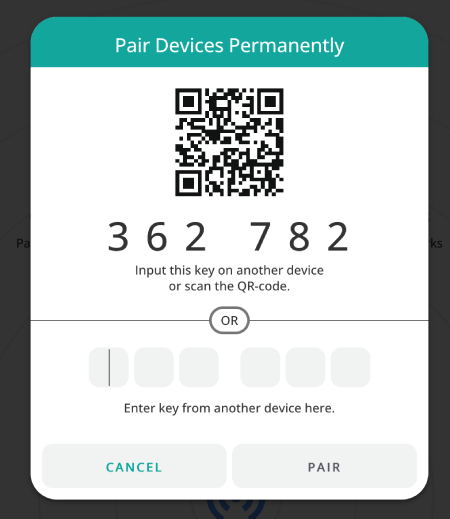
PairDrop Cons
PairDrop’s weakness is also its browser-based nature. It may not be the best choice for large files or long transfer sessions. Performance depends on the browser, network, device memory, and connection stability.
PairDrop can also run into discovery issues if devices are on different Wi-Fi networks, guest networks, VPNs, or restricted office/school networks. In those cases, the devices may simply not appear to each other.
LocalSend Web vs PairDrop: Which Is Better?
The best choice depends on your workflow.
Choose LocalSend Web If You Prefer the LocalSend Ecosystem
LocalSend Web is a better option if you already know LocalSend or want to test the service without installing the full app. It is also useful if you prefer a local-network-first approach and want a simple browser version for occasional transfers.
Use LocalSend Web if:
- You want a no-install version of LocalSend.
- You usually transfer files on the same local network.
- You prefer open-source tools.
- You want to avoid cloud uploads.
- You may later switch to the full LocalSend app.
- You need a simple transfer tool for occasional use.
LocalSend Web is especially practical as a bridge: it gives users the convenience of a browser tool, while still connecting to the broader LocalSend-style workflow.
Choose PairDrop If You Want the Fastest Browser Experience
PairDrop is usually the stronger choice if your main requirement is browser-based convenience. It is built around that use case, which makes it feel very natural for quick transfers.
Use PairDrop if:
- You want to transfer files without installing anything.
- You are sharing with someone else temporarily.
- You need a quick browser-to-browser transfer.
- You want a simple AirDrop-like interface.
- You need public rooms for non-local transfer scenarios.
- You are moving small or medium files.
For many users, PairDrop is the easiest answer when the task is simple: open the page, pair the devices, send the file.
Performance and Reliability
Speed Depends on the Network
Both LocalSend Web and PairDrop can be fast, but neither can magically fix a weak network. Transfer speed depends on your router, Wi-Fi band, device distance, browser performance, file size, and whether your devices can establish a good direct connection.
For small files, both tools usually feel quick. For large files, the difference becomes more noticeable. Browser-based transfers can be less predictable than native apps or USB transfer.
Browser Tools Are Convenient, Not Perfect
This is the main point users should understand. Browser file transfer tools are convenient, but they are still limited by browser behavior.
A transfer may fail if:
- The phone screen turns off.
- The browser tab refreshes.
- The device switches networks.
- The router blocks peer discovery.
- The browser limits memory usage.
- A VPN interferes with local connections.
That does not mean LocalSend Web or PairDrop are bad tools. It simply means they are best for quick, lightweight file transfers rather than mission-critical file migration.
LocalSend Web vs PairDrop for Android to Mac
For Android-to-Mac transfers, both tools can help, especially when you only need to send a few files. If you want a browser-based transfer, PairDrop is probably the easier one-off option, while LocalSend Web is a good choice if you already prefer LocalSend or want to stay within that ecosystem.
However, Android-to-Mac file transfer is often where wireless tools become less predictable. Large camera videos, folders with many files, RAW images, or long transfers can expose the limits of Wi-Fi and browser-based workflows.
For casual use, LocalSend Web and PairDrop are fine. For serious transfers, USB is still better.
The Most Reliable Option: USB Transfer with MacDroid
LocalSend Web and PairDrop are both useful, but the most reliable method is still a direct USB connection. A cable avoids many common wireless problems: unstable Wi-Fi, device discovery failures, browser refreshes, router restrictions, and transfer interruptions.
For Android-to-Mac users, MacDroid is the stronger modern option. It lets you connect an Android device to a Mac via USB and manage files directly, making it more suitable for large files, frequent transfers, and professional workflows.
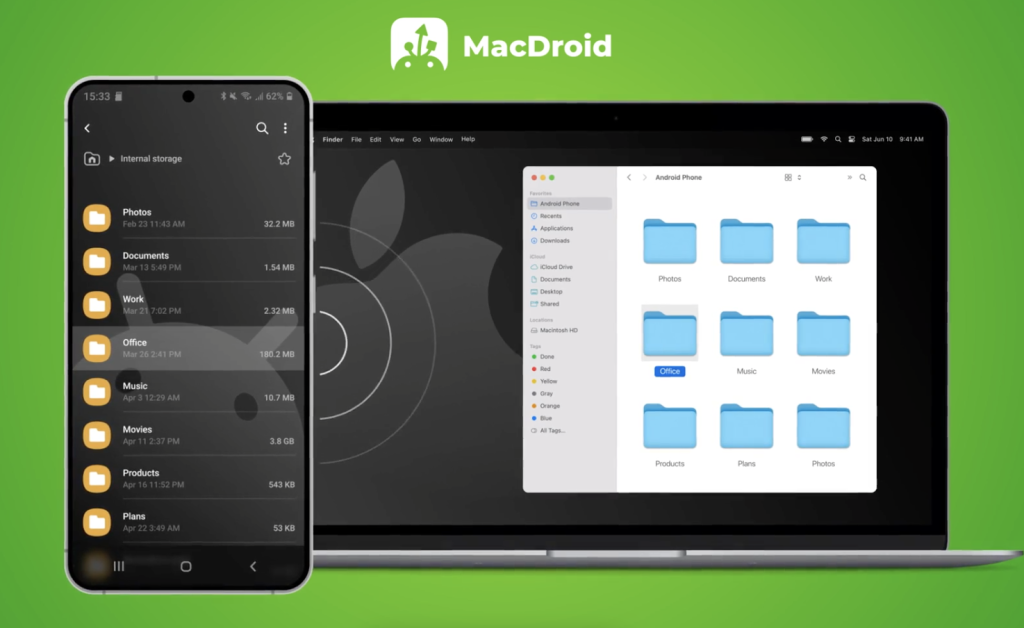
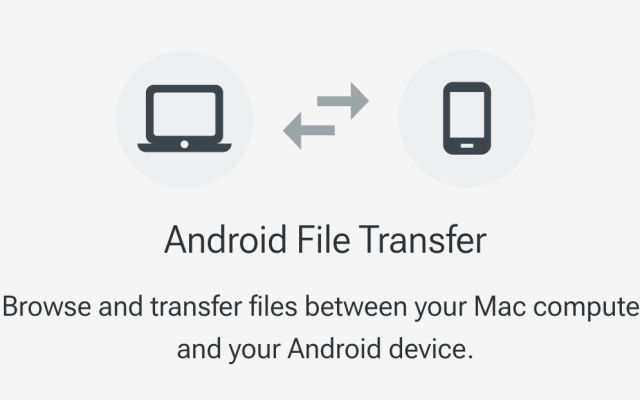
There is also Android File Transfer, Google’s older tool for connecting Android phones to Mac. But it is not a reliable recommendation now. Android File Transfer is no longer properly available as an official modern solution, and many users report that it does not work well on current macOS versions. So while people may still search for it, it should not be presented as the best current option.
The practical recommendation is clear: use PairDrop for quick browser-based transfers, LocalSend Web if you prefer the LocalSend ecosystem, and MacDroid over USB when reliability matters most.
Final Verdict
LocalSend Web vs PairDrop comes down to how you want to transfer files.
Choose LocalSend Web if you want a browser-based way to use the LocalSend approach, especially for local-network sharing and occasional transfers. Choose PairDrop if you want the fastest no-install browser experience for quick file sharing between devices.
But for Android-to-Mac transfers where reliability matters, neither browser tool is the best final answer. A direct USB connection is still more stable. In that case, MacDroid is the better modern option, while Android File Transfer is no longer working reliably enough to recommend as the main solution.
FAQ: LocalSend vs PairDrop
Neither browser-based option is ideal for very large or important transfers. LocalSend’s installed app may be better than browser tools, but for maximum reliability, USB transfer with MacDroid is the better choice.
PairDrop is open source and can be used for local transfers. Still, users should avoid sending sensitive files over public or untrusted networks.
LocalSend is open source and designed around local file sharing. However, as with any browser-based transfer tool, users should make sure they are on a trusted network and sending files only to the intended device.
Not really. Android File Transfer used to be the default Android-to-Mac utility, but it is not working reliably now and is no longer a dependable recommendation for current macOS users.